An HR system holds some of the most sensitive data a company has: Social Security numbers, bank details, compensation, performance reviews, medical accommodations, and disciplinary records. Most breaches of that data aren't dramatic. They are an over-permissioned admin, a manager who can see more than they should, or an account that was never removed. Permissions are where the quiet risk lives.
This guide covers how to design permission profiles in Rippling using least privilege, which is the principle that every person should have exactly the access their job requires and nothing more. It's written for the HR, IT, and finance leaders who share ownership of that decision.
Key Takeaways
- Least privilege means exact access. Every person gets the data their job requires and nothing more, which limits what one mistake or compromised account can reach.
- Build profiles up, never down. Start each profile from the minimum instead of trimming a cloned admin role, which almost always leaves too much behind.
- Attributes are a security control. Supergroups assign access automatically from department and level, so a wrong attribute means wrong access, granted automatically.
- Review quarterly and keep evidence. Confirm admins, sensitive-field access and former employees every quarter, and document it, because auditors want proof the control runs.
How Rippling Thinks About Permissions
Rippling organizes access into permission profiles, and each profile has three parts worth understanding before you design anything.
Scope defines whose data the profile can reach, such as direct reports, a department, a location, or everyone. Access defines which types of data the profile can see about those people, usually organized by app, such as Payroll or Benefits, and including sensitive fields like Social Security numbers or equity. Actions define what the profile can do with that data, such as view, edit, or approve.
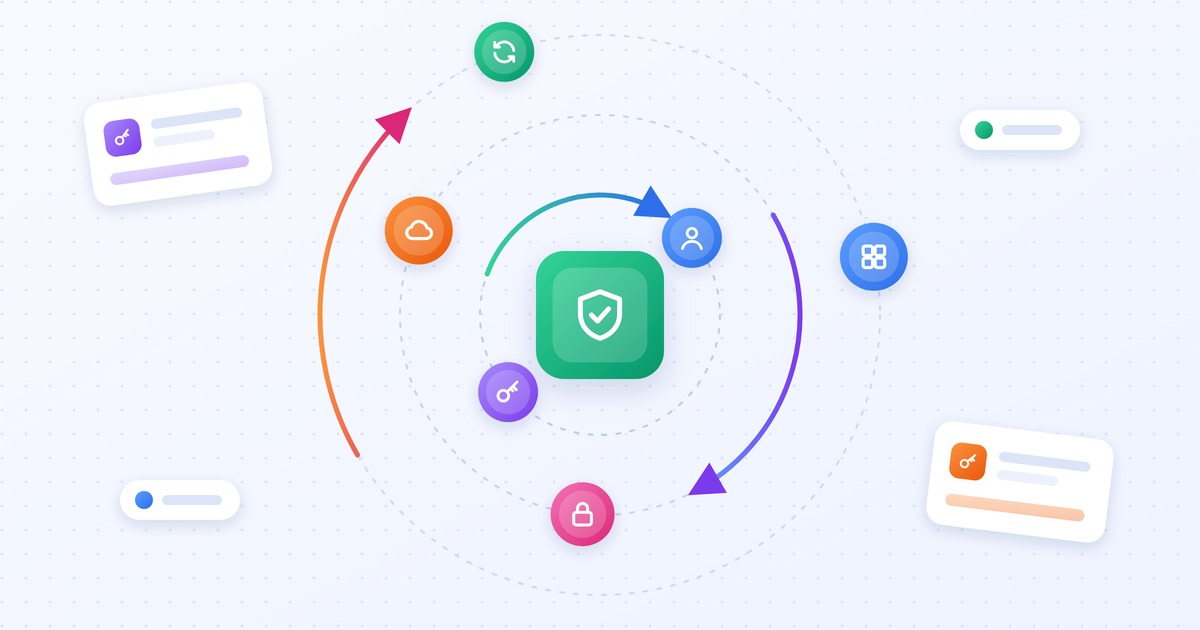
Two design choices set Rippling apart from many HR systems. First, permission profiles are attached to employee attributes, like level or department, through dynamic groups called Supergroups, instead of being assigned person by person. When someone is promoted or changes teams, their access updates automatically. Second, Rippling grants access to data rather than to fixed views, which is why managers and leaders can run their own reports and build workflows with the data in their scope.
That flexibility is powerful, and it's exactly why you need a deliberate design. It makes it easy to give the right access, and just as easy to give too much.
Step One: Inventory Who Needs What
Before you touch a setting, list the roles that interact with HR data and write down what each one actually does. A typical mid-market company has more distinct needs than it expects:
- Executives and managers who need to see their organization's headcount, performance, and sometimes compensation.
- HR business partners who need broad employee data for their business units but not necessarily payroll or bank information.
- Payroll administrators who need compensation and bank details but not performance reviews.
- Recruiters and hiring managers who need candidate and offer data, not current-employee records.
- Finance who need cost data and approvals, not personal details.
- IT administrators who need device and app access, not compensation.
The most common finding in this exercise is that one person has been handed a broad admin role because it was easier than designing a narrow one. Write down those exceptions now. They are your first cleanup list.
Step Two: Start Narrow, Then Add
Build each profile from the minimum up, not by trimming a copy of the super admin down. For each role, answer four questions: whose data (scope), which data types (access), what actions, and which apps. Then test the result by checking what that profile can actually see before you assign it to anyone.
A few patterns hold up well in practice:
Separate sensitive fields from general employee data. Give HR business partners broad employee-data access but exclude Social Security numbers, bank details, and equity unless the role requires them. Rippling's permission settings can show salary while restricting SSN and equity, which is exactly the separation most companies want for managers.
Split payroll from HR. Someone who can change a pay rate shouldn't also be the person who approves the pay run. Separation of duties is one of the first things an auditor looks for.
Limit super admins. Keep full-access accounts to a small number of named people, make sure each uses strong multi-factor authentication, and don't use them for day-to-day work. Review the list every quarter.
Use approval chains for high-risk changes. Rippling workflows can require approvals when something sensitive changes, such as a compensation change above a set percentage. That puts a second set of eyes on the changes that matter most without slowing everything else.
Pro tip: Before you assign a new profile to anyone, check what it can actually see. Testing first catches the access you didn't mean to grant.
Step Three: Let Attributes Do the Work
The biggest operational advantage is automation. Because profiles attach to attributes, build your Supergroups around data you already maintain reliably, such as department, level, work location, and employment type. Then a new hire in the finance department gets the finance profile on day one, and a manager promoted to director picks up the right scope without a ticket.
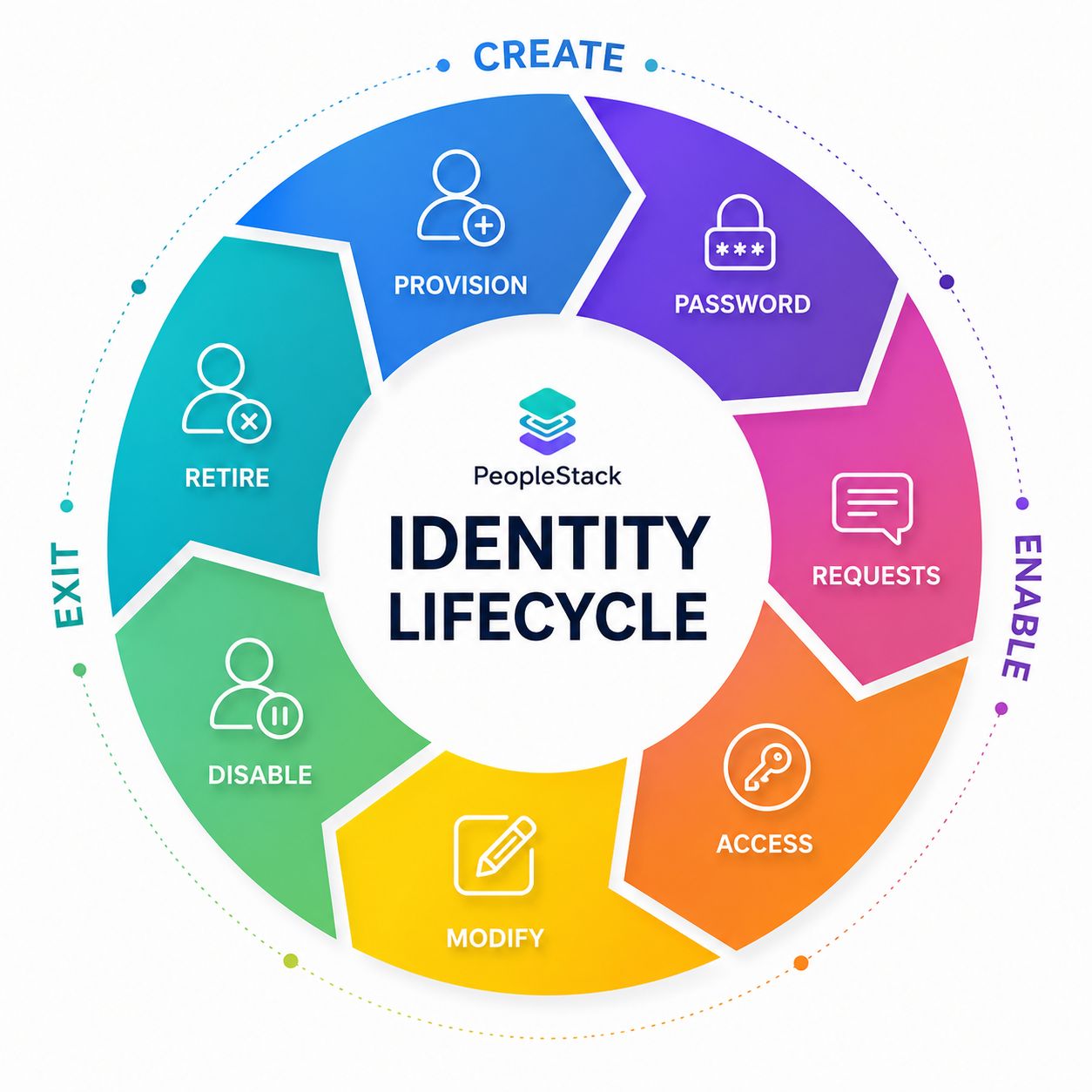
The catch is that automated access is only as accurate as the attributes behind it. If department or level is wrong in the employee record, access will be wrong too, and it will be wrong automatically. Treat attribute accuracy as a security control, not just a data quality goal. This is the same reasoning behind our guidance on identity lifecycle management: HR data drives access, so HR data quality is a security concern.
Step Four: Watch Reports and Exports
Permissions apply to reports as well. When a report is shared in Rippling, each viewer sees only the data their permission profile allows, which is a strong default. But reports can be exported, and once data is in a spreadsheet, permissions stop applying. Decide who is allowed to export sensitive reports, and avoid emailing spreadsheets containing compensation or personal data. Prefer sharing a live report so access control keeps working.
Watch out: Permissions protect a shared report, not a downloaded one. Once compensation or personal data lands in a spreadsheet, access control is gone, so share the live report instead.
Step Five: Review on a Schedule
Permissions drift. People change roles, take on temporary projects, and accumulate access they no longer need. Run a review every quarter, and more often if you're preparing for SOC 2 or a similar audit.
- List everyone with admin-level access and confirm each still needs it.
- Check for people with access that doesn't match their current role or department.
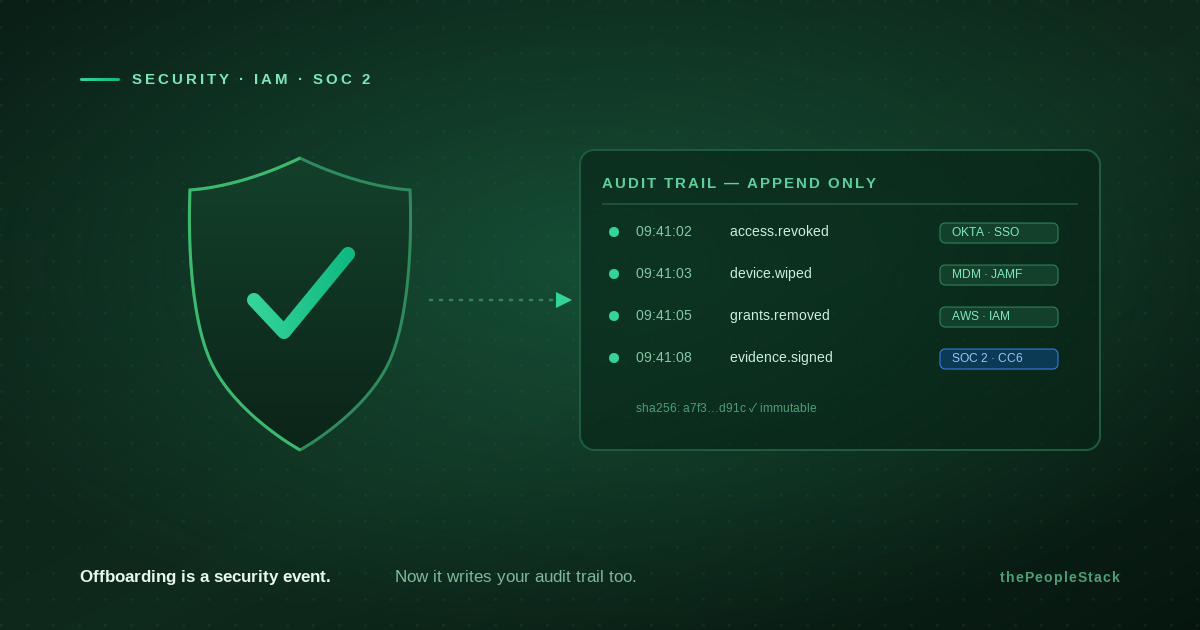
- Verify that former employees and contractors have no active access. Our offboarding security playbook covers the full process.
- Review who can see compensation, Social Security numbers, and bank details, and confirm the list is as short as it should be.
- Document the review and any changes you made. Auditors care about evidence that the control runs, not just that it exists.
Common Mistakes
Cloning the admin role. Copying a broad profile and removing a few things almost always leaves too much behind. Build up from nothing.
One-off exceptions that become permanent. Someone needs temporary access for a project, and two years later they still have it. Give temporary access an end date and an owner.
Ignoring third-party access. Permission profiles can also govern access to connected apps, not just Rippling data. Include integrations and shared service accounts in your review.
Treating it as an HR-only decision. HR owns the data, but IT understands the risk and finance understands the controls. Bring all three into the design.
Frequently Asked Questions
What is least privilege access for HR data?
It's the principle that every person should have exactly the access their job requires and nothing more. The goal isn't to lock people out, it's to make sure a single mistake or compromised account can only reach a narrow slice of your data.
How do permission profiles work in Rippling?
Each profile has three parts: scope (whose data it can reach), access (which types of data it can see), and actions (what it can do, such as view, edit or approve). Profiles attach to employee attributes through dynamic groups called Supergroups, so access updates automatically when someone changes roles.
Can managers in Rippling see salary without seeing SSNs?
Yes. Rippling's permission settings can show salary while restricting Social Security numbers and equity, which is the separation most companies want for managers.
How often should you review Rippling admin permissions?
Every quarter, and more often if you're preparing for SOC 2 or a similar audit. Confirm who has admin-level access, check for access that doesn't match current roles, verify former employees and contractors have none, and document the review.
The Bottom Line
Least privilege isn't about locking people out. It's about making sure that when something does go wrong, a single mistake or compromised account can only reach a narrow slice of your data. In Rippling, that means thoughtful profiles, attribute-driven groups you can trust, tight control over sensitive fields and exports, and a regular review.
If you want a second opinion on your current permission setup, or you're preparing for an audit, get in touch with the thePeopleStack team. A permissions review is one of the most valuable parts of a Rippling health check.

Tonya tackles challenges with a people-focused mindset and a practical touch who loves making systems run smoother—whether in an office, on campus, or a factory floor. With a background in HR and payroll, Tonya dives into challenges, untangles messes, and helps teams focus on what really matters: growing, collaborating, and doing great work. Always up for a new adventure (especially if it involves travel to warmer climes), Tonya brings curiosity and positive energy to every project and partnership.